Introduction to Pluton
What is Pluton?
Pluton is a backup management platform that simplifies automated, incremental backups across multiple devices and storage destinations. Pluton provides a centralized interface to create, schedule, monitor, and manage backups for your local and remote machines.
Pluton leverages powerful open-source tools - Restic for secure incremental backups and Rclone for versatile cloud storage connectivity - wrapped in an intuitive interface designed for both beginners and advanced users.
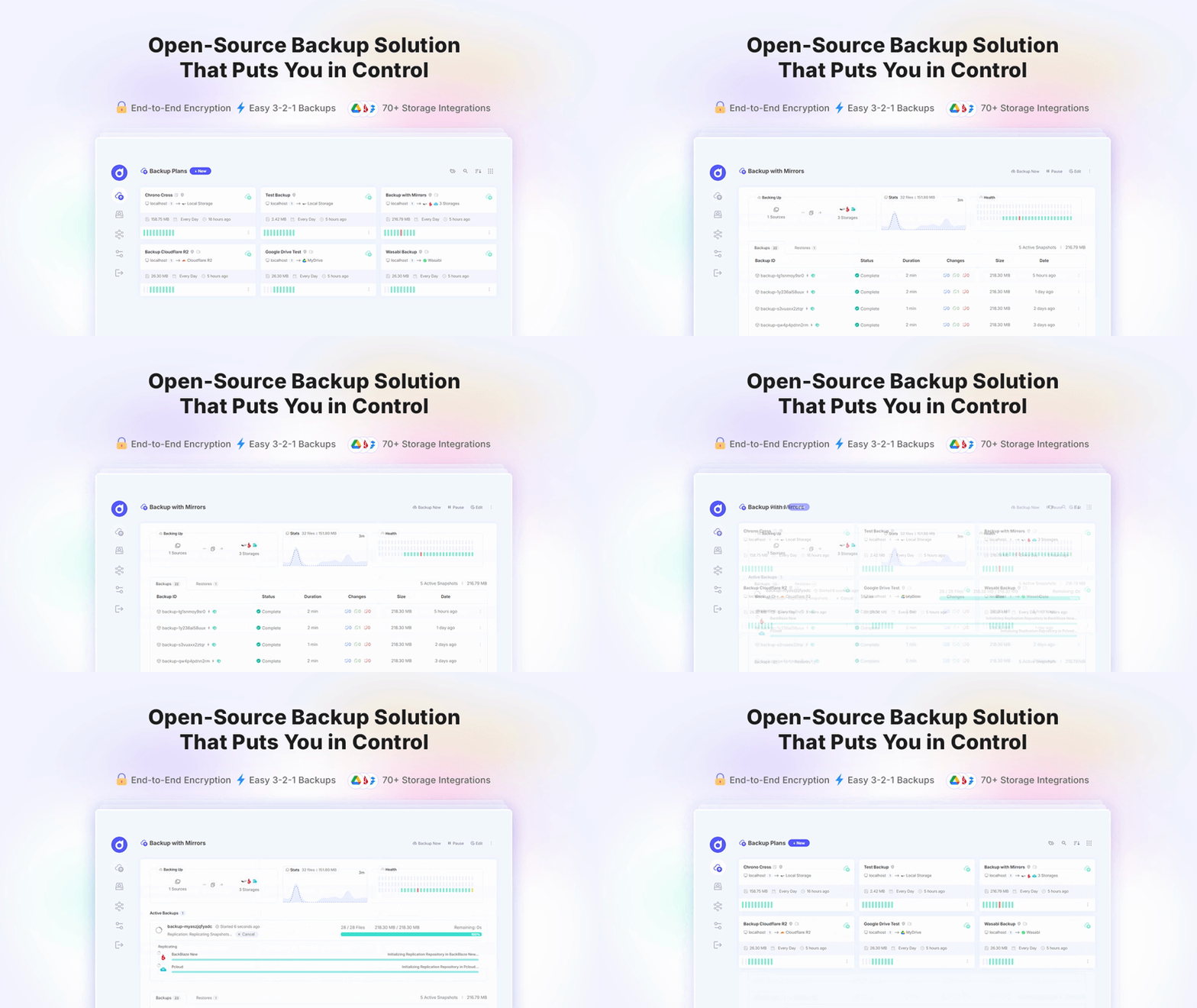
Core Features
🎯 Centralized Backup Management
Create and manage multiple backup plans from a single dashboard. Each plan can backup different sources to different destinations with unique schedules and retention policies. Learn more about Backup Plans
🔄 Incremental & Deduplication
Pluton uses Restic to perform fast incremental backups with automatic deduplication. Only changed data blocks are stored, dramatically reducing storage space and backup time after the initial backup.
📅 Flexible Scheduling
Schedule backups to run automatically at specific intervals - hourly, daily, weekly, monthly, or custom cron expressions. Backup plans run independently with configurable retry mechanisms.
🪞 Backup Replication
Replicate backups to additional storage destinations for redundancy, following the industry-standard 3-2-1 backup strategy. Add up to two replication destinations per plan to automatically mirror every backup to separate storages. Replications can run concurrently for faster completion.
🌐 Multi-Device Support
Backup your main Pluton server locally and connect remote devices through the lightweight Pluton Agent. Manage all backups from one central location, whether devices are on your local network or across the internet.
🔒 Security & Encryption
Optional AES-256 end-to-end encryption protects your backup data. Authentication uses JWT tokens, and all remote agent communications occur over secure HTTP connections.
📦 80+ Storage Providers
Connect to virtually any storage destination: local filesystems, AWS S3, Google Drive, OneDrive, Dropbox, Backblaze B2, pCloud, SFTP, and 80+ providers supported through Rclone integration. Explore Storage Options
📊 Progress Tracking & Logs
Monitor real-time backup progress, view detailed execution logs, and track backup statistics including sizes, durations, and success rates.
🔔 Smart Notifications
Configure email or push notifications for backup success, failure, or both. Stay informed about your backup health without constant monitoring.
🔁 Automated Retention & Pruning
Define retention policies to automatically keep daily, weekly, and monthly snapshots while removing old backups to manage storage efficiently.
How Pluton Works
- Install Pluton using Docker or direct installation
- Add Storage Destinations by connecting to local drives or cloud providers (Setup Guides)
- Create Backup Plans that define what to backup, where to store it, and when to run. (Create Plans)
- Deploy Agents (optional) on remote devices for centralized backup orchestration
- Monitor & Restore through the intuitive web dashboard (Dashboard Overview)
The application consists of:
- Backend Server: Node.js/Express REST API with SQLite database
- Frontend: React-based PWA with offline capabilities
- Backup Engine: Restic for backup operations, Rclone for storage
System Requirements
- Operating System: Linux, macOS, or Windows
- Disk Space: Varies based on backup metadata (typically < 1GB for application)
- Memory: 512MB minimum for application
- Network: Internet access for cloud storage (optional for local-only)
Installation Options
Desktop Installation
You can install Pluton on your personal computer to backup you files to any of your favorite cloud storages or your local storage/drives. Desktop Installation Guide
Docker Deployment
Deploy Pluton using Docker Compose for simplified setup and management. Includes automatic container restarts, volume management, and easy updates. Docker Deployment Guide
Server Deployment
Deploy Pluton on linux servers following this Server Deployment Guide
Supported Architectures
- x64 (Intel/AMD 64-bit)
- ARM64 (for Raspberry Pi and ARM machines)